For a while now, my go-to way to kill five minutes has been an infinite Minesweeper game. The idea is great. The board never ends, so there's always a little more to clear whenever you have a minute. But let's be honest, every one I tried was a game engine first and an iPhone app second. They didn't look or feel like they belonged on my phone, nothing ever carried over to my iPad, and it was pretty clear nobody making them cared much about the Apple ecosystem.
So I made my own. The goal was simple to say and a lot harder to pull off: one app, on all of the Apple platforms, that syncs without you ever thinking about it and looks good on every one of them. That app is Clear Paths.
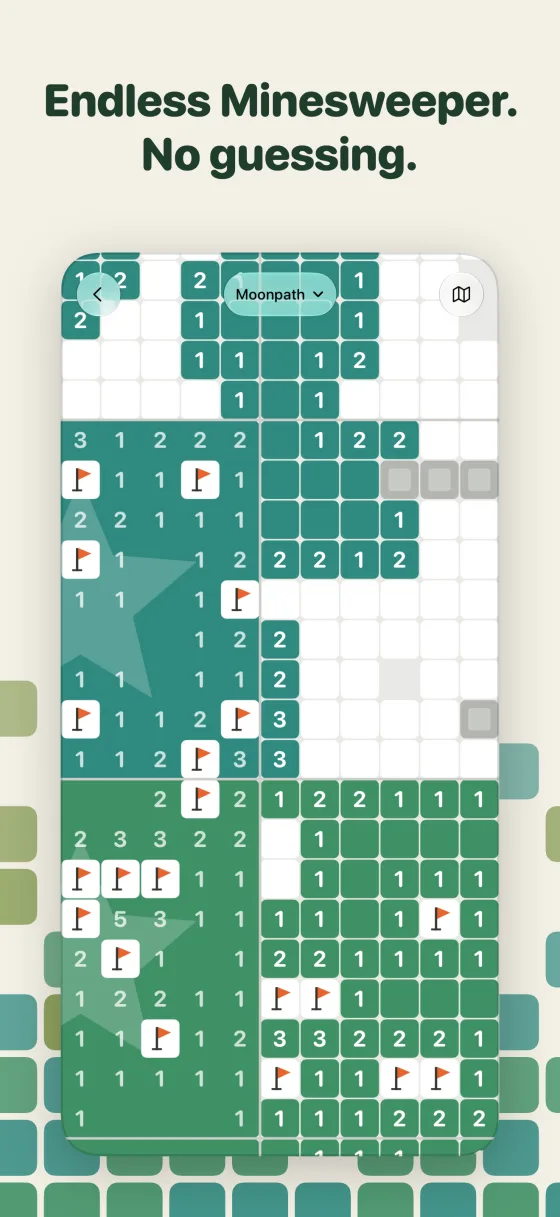
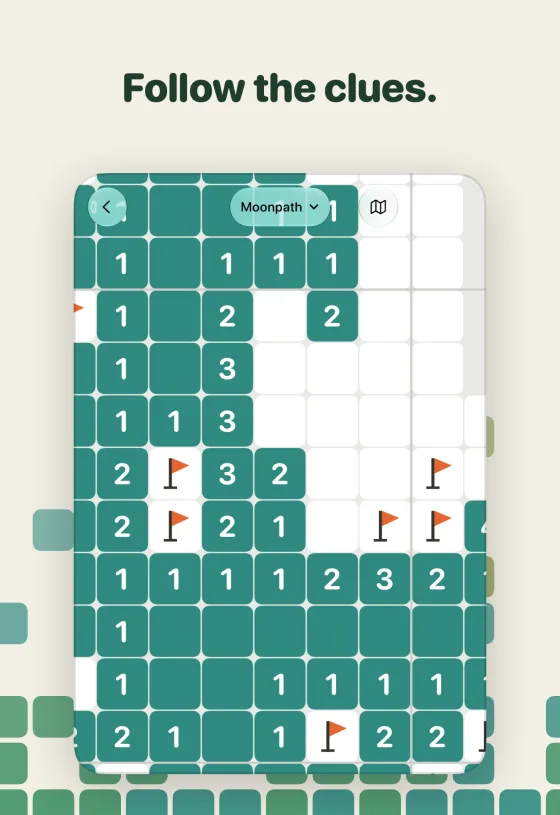
If you've played Minesweeper, you already know how to play. Tap to reveal, hold to plant a flag, double-tap a number to open everything around it. What's different is the board. A world grows one zone at a time, in every direction, for as long as you want to keep going, and every zone is checked before you play it so the next safe move can always be worked out from the clues. No coin flip at the end where you just guess and hope. And hitting a mine doesn't end anything either. That one zone locks, you carry on next door, and it reopens once you clear a zone beside it.
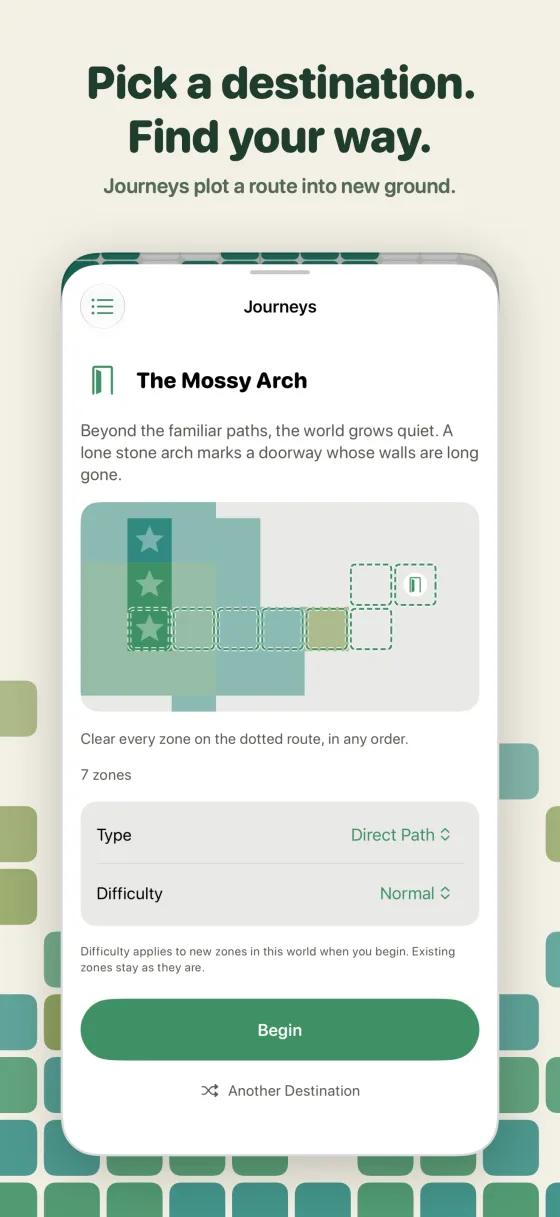
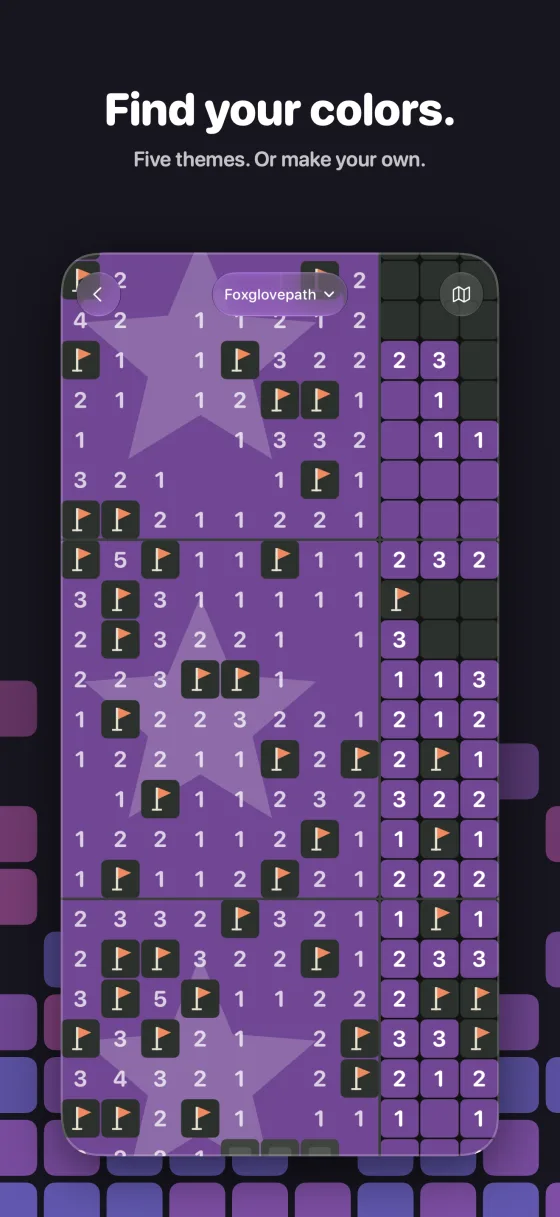
An endless board is fun, but after a while it's nice to have somewhere to go. That's where Journeys came from. Pick a destination, it plots a route into new ground, and you get there once every zone along the way is cleared. Milestones keep quiet notes as you go, like how many zones you've cleared and how far out you've made it, without any streaks or leaderboards nagging you to come back. Then there are four difficulties, optional stone walls, and five themes, or you can make your own palette from a single color.
I tried really hard not to add more than that. The balance I wanted was something you can pick up for a couple of minutes and actually make progress, and then keep coming back to just to see how much more of the board you can fill out.
The hard part wasn't the game
I figured building the game would be the hard part. It wasn't. The work that took the longest by far was making it look and feel right on every device it runs on, and there are a lot more of those than I'd thought about going in. iPhones in portrait and landscape, from the small ones up to the big ones. The iPhone Duo, which is really two devices in one with a narrow cover screen closed and a much wider one open. iPad in your hands, and iPad with a keyboard attached running in a resizable window. And the Mac, where the iPad app runs on Apple silicon and still needs to feel like it belongs there.
Every one of them found its own way to break the layout. The header's tagline got squeezed and cut off in short, wide windows. World cards that looked great in portrait ended up with a big empty gap in the middle when they were stretched sideways. On the Duo, the status bar sits down the side instead of across the top, which pushed the board's controls off-center from the board itself.
My first attempt at fixing all of that made things worse, so it got thrown out and I started over. The easy fix is to shrink everything until it fits, but that just makes the app worse everywhere. What actually worked was laying things out based on how much room there is, not which device it is. Cards stack when space is narrow and sit side by side when it's wide, the tagline drops down a row when it won't fit, and the controls line up with the board when the screen is lopsided. Then every change gets checked on a regular iPhone too, so fixing one screen doesn't quietly break another.
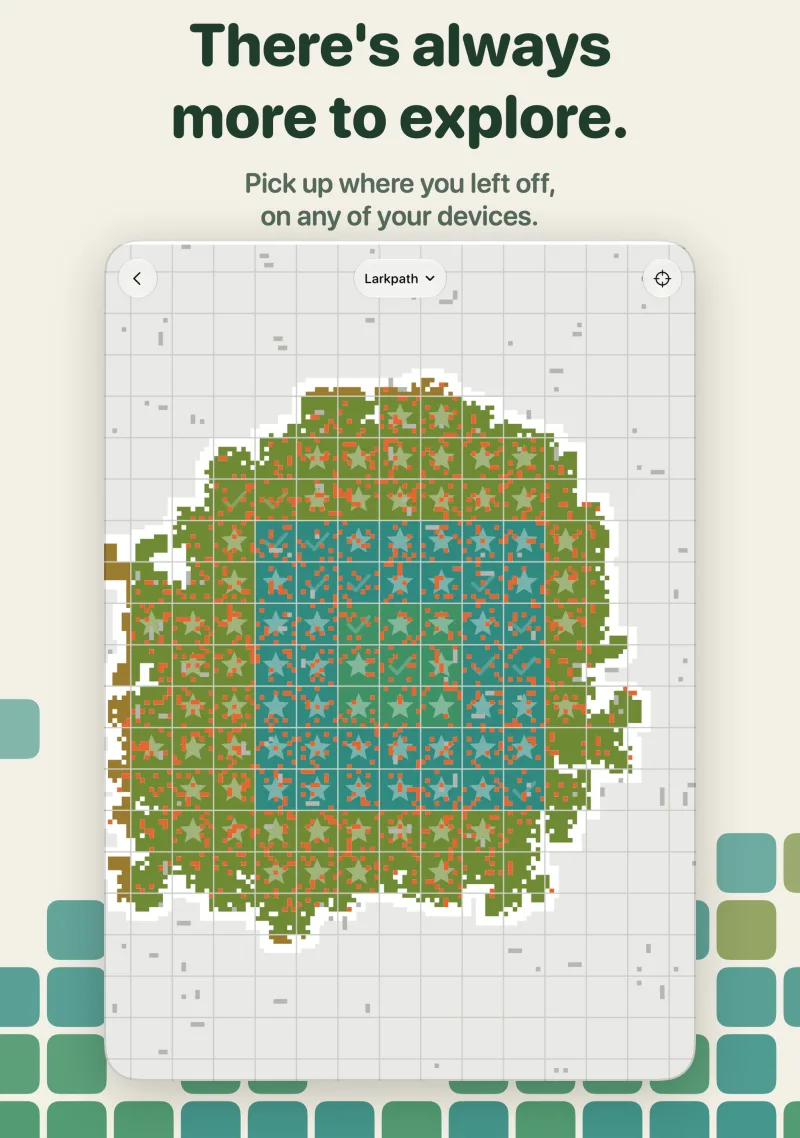
It just syncs
The other half of the goal was that your worlds should follow you around. Start a world on your iPhone on the train, pick it back up on your iPad on the couch, and keep going on your Mac at your desk.
That's all CloudKit, Apple's own sync service, which works automatically with the iCloud account you're already signed in to. That was the whole point of going Apple-native. There's no account to make and no sign-in screen. Your worlds, settings, themes and milestones just show up on your other devices, and if you're not signed in to iCloud everything still works and stays on the device. It took more care than I expected to get right for a board that never ends, but the short version is that a zone you've cleared on one device always stays cleared everywhere.
Try it early
Clear Paths is coming soon to the App Store for iPhone and iPad, and it'll run on Apple silicon Macs too. If you don't want to wait, there's a public TestFlight you can join today: join the Clear Paths beta. No ads, no analytics, no tracking.
I'm already curious how far people get out there. Jump on the beta and let me know.